Tempo Finder for Any Song
Use this free tempo finder to upload a track, tap along, or listen through your microphone. The online tempo finder returns BPM and confidence without sending your audio to our servers.
Tempo Finder Tool
Find the BPM of an audio file, a tapped beat, or live microphone input.
Choose Your Mode
Drag & drop audio files here
or click to browse — one or many files
Supports MP3, WAV, FLAC, AAC, OGG, M4A (max 50MB each, up to 50 files)
Or try with our test track:
Tempo Finder Guide
Jump to the tempo finder or learn how the analysis works.
How to Use the Tempo Finder
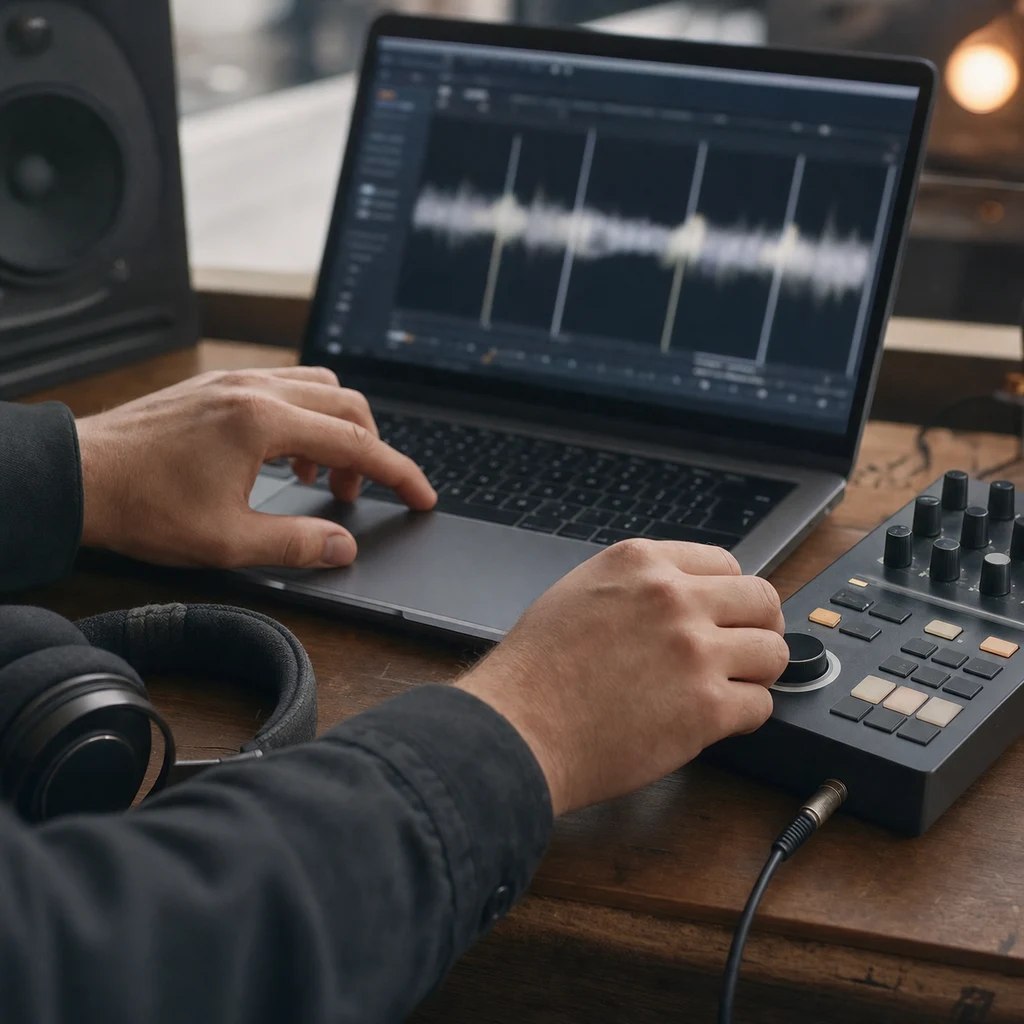
The analysis needs only an input and a few seconds of rhythmic audio.
- Add AudioDrop an MP3, WAV, FLAC, AAC, OGG, or M4A file into the audio tempo finder, or select another input mode.
- Wait for AnalysisThe browser decodes the audio locally, evaluates beat candidates, and displays analysis progress.
- Confirm and Use the BPMReview confidence, listen against the beat, and check half-time or double-time interpretations before using the value.
How the Tempo Finder Works
The tempo analyzer combines fast rhythm estimation with deeper beat analysis and confidence scoring.
Choose an Input
Upload one or more audio files, tap the beat, or select microphone mode.
Measure Rhythmic Events
The tempo detector examines changes in energy and recurring onset patterns across the track.
Resolve the Beat Rate
The analysis compares likely BPM candidates and checks half-time and double-time relationships.
Review the Result
Read the BPM and confidence, audition the beat, or export batch results for later use.
Ways to Find and Use a Song's Tempo
A reliable BPM starting point helps DJs, producers, musicians, and dancers plan their work.




What Is a Tempo Finder?
This tool measures how quickly a piece of music moves and reports that speed in beats per minute. Instead of counting beats against a stopwatch, you can use an audio file, live microphone input, or your own taps. This music tempo finder supports each method in one browser tool.
- BPM in Plain LanguageA result of 120 BPM means the underlying pulse repeats about 120 times per minute.
- Three Measurement MethodsUse this online tempo finder with uploaded audio, a live signal, or manual tapping.
- Useful Confidence ContextThe tempo analyzer reports confidence so you know when a complex rhythm deserves a manual check.
Why Choose This Tempo Finder
Flexible inputs, local processing, and practical results are combined in one free tool.
Your Audio Stays Local
Uploaded tracks are decoded and analyzed in the browser. The audio tempo finder does not require a server upload.
Useful Across Music Styles
The tempo detector evaluates multiple candidates instead of relying on a single peak, which helps with varied rhythmic material.
Single and Batch Workflows
Check one track quickly or use the song tempo finder to process up to 50 tracks and export the results.
Tempo Finder Features
Use one tempo finder for quick checks, live sources, and larger music libraries.
Multi-format Uploads
The music tempo finder accepts common browser-decodable audio formats, including MP3, WAV, FLAC, AAC, OGG, and M4A.
Batch Analysis
Analyze multiple files with progress tracking, individual BPM results, and CSV export.
Tap Tempo
Tap along when you cannot upload the source or want to verify the tempo detector manually.
Real-time Microphone
Let the online tempo finder listen to a nearby source and update its estimate as the rhythm continues.
Confidence and Alternatives
See how strongly the analysis supports the result and compare nearby BPM candidates.
No Account Required
Start immediately without registration, installation, or a paid plan.
Tempo Finder Guides
Practical guides for checking, understanding, and using song tempo.

How to Find BPM of a Song: Producer-Grade Workflow and Tools
Master how to find BPM of a song with tap tempo, apps, DAWs, and advanced analysis techniques DJs and producers trust.
Read More

Best Tunebat BPM Alternative 2026: 300-Track Benchmark Proves 67% Higher Accuracy
Looking for a Tunebat BPM alternative? We benchmarked BPM Finder against Tunebat and VocalRemover across 300+ sealed tracks. 67% win rate, 100% client-side, all browsers supported.
Read More

120 BPM Songs: The Best Tempo for Every Scenario and Mood
Discover the best 120 BPM songs across all genres! From pop hits to electronic anthems, best for dancing, running, and productivity.
Read More
Tempo Finder FAQ
Answers to common questions about audio analysis and interpreting BPM results.
How accurate is the tempo finder?
Clear, steady rhythms usually produce the strongest confidence. Syncopation, long quiet intros, changing tempo, and ambiguous half-time grooves can require a manual check with Tap Tempo or the metronome preview.
Can I use the tempo finder without uploading a file?
Yes. Select Tap Tempo to enter the pulse yourself or use real-time microphone mode for audio playing nearby. Both are available in the same tool.
Does the online tempo finder upload my music?
No. File decoding and tempo analysis happen in your browser. Your uploaded audio is not sent to our servers.
Why might the song tempo finder show half or double the expected BPM?
Some grooves support more than one musically reasonable pulse. A track heard at 70 BPM may also be counted at 140 BPM. Compare the candidates and audition the beat that matches your use case.
Which formats does the audio tempo finder support?
It supports common formats that modern browsers can decode, including MP3, WAV, FLAC, AAC, OGG, and M4A. Browser and codec support can vary.
Is this tempo analyzer free?
Yes. The tool is free to use and does not require an account. You can analyze a single track, run a batch, tap a tempo, or use microphone mode.
Recommended Tools
Discover additional tools to enhance your music production workflow
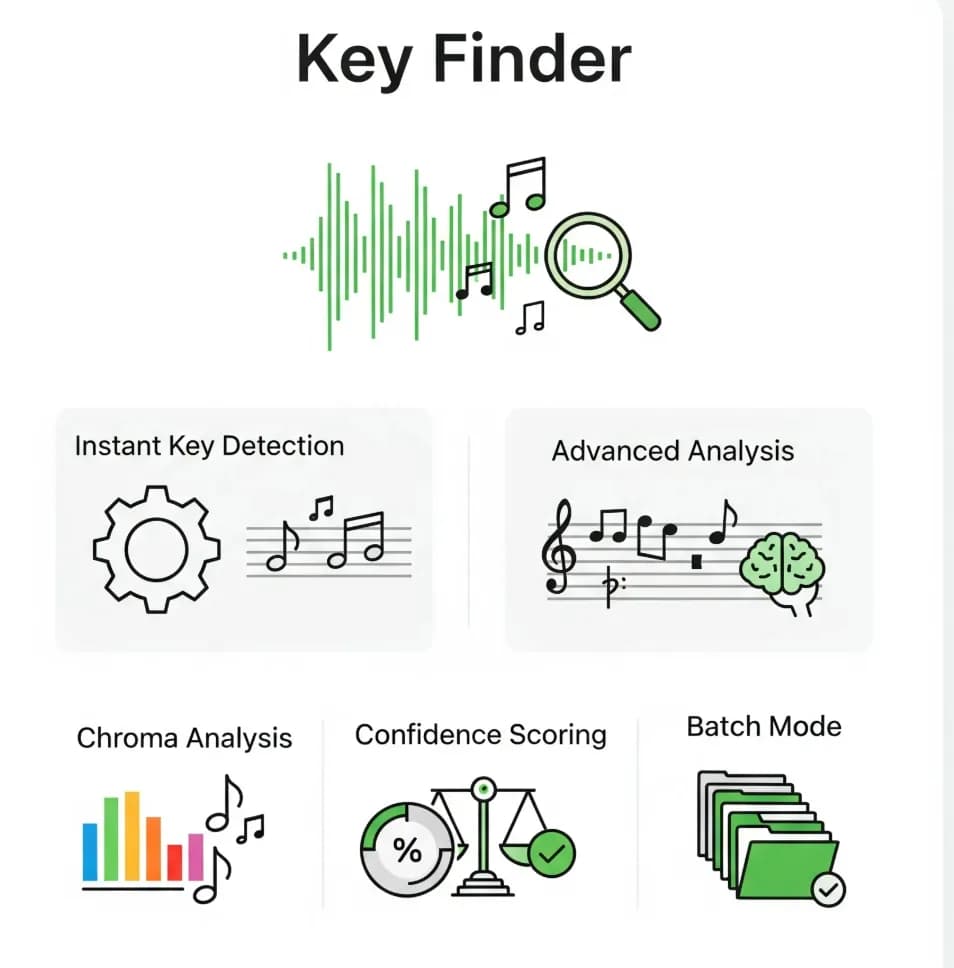
Find a Track's BPM with Tempo Finder
Choose an input method and get a practical BPM estimate without installing software.