
Tempo Change: Adjust Audio Speed Without Changing Pitch
Change audio speed while preserving musical pitch, preview the processed result, and export an uncompressed 16-bit PCM WAV file. Powered by the Rubber Band Library and processed locally in your browser.

Choose an audio file
Drag and drop or click to browse. MP3, WAV, FLAC, AAC, OGG, and M4A up to 50 MiB. Codec support depends on your browser.
Browse filesTry a short generated demo
12 seconds, stereo WAV, 120 BPM. It will not play automatically.
Upload · set speed · process · preview · export WAV
Recommended Tools
Discover additional tools to enhance your music production workflow
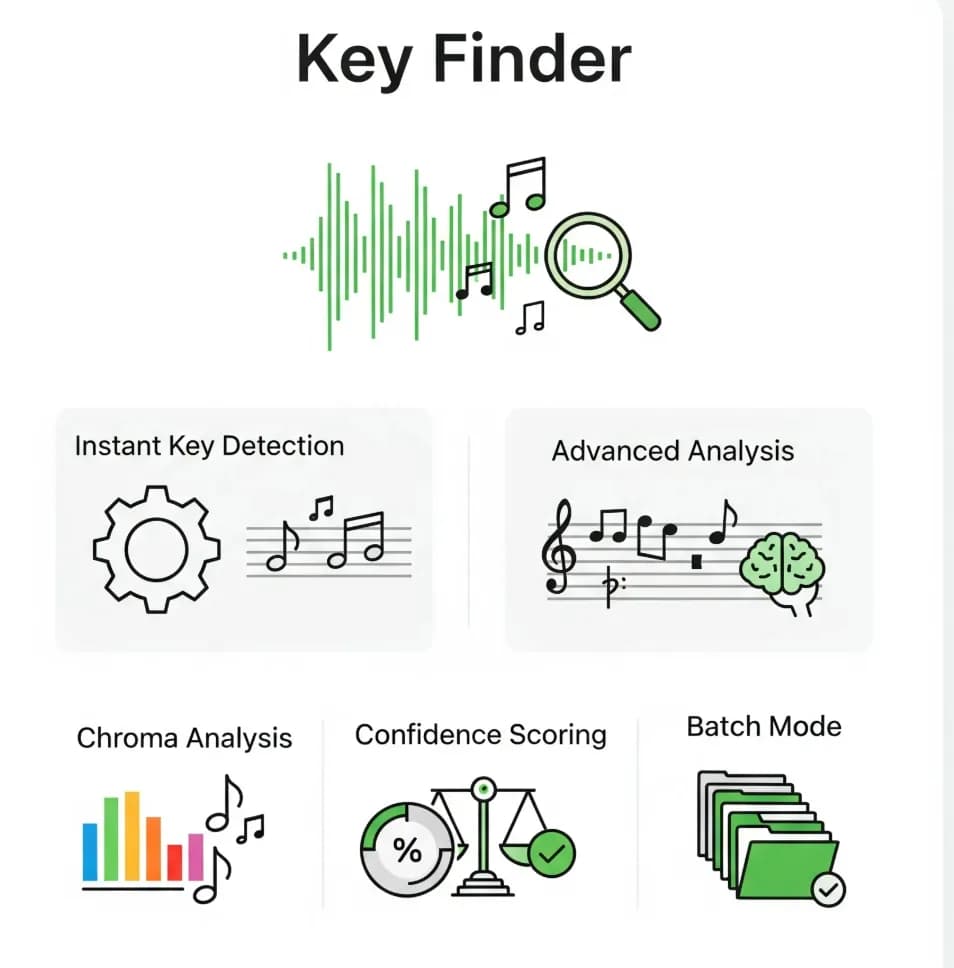
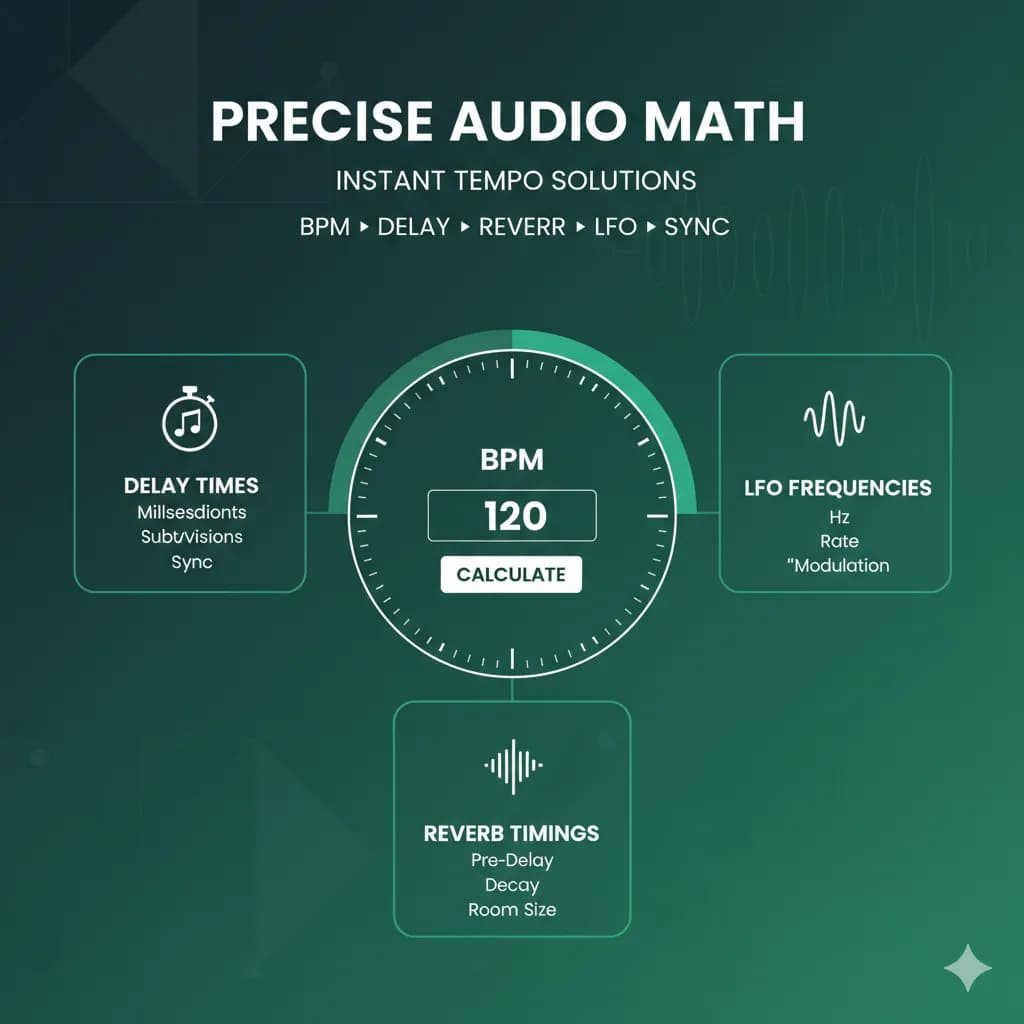
Quick Navigation of Tempo Change Page
Jump to any section on this page quickly
Use Cases of Tempo Change Tool
Discover how Tempo Change enhances workflows across different creative fields






Ready to discover how BPM Finder can transform your music workflow?
How Tempo Change Tool Works
Pitch-preserving time stretching powered by the Rubber Band Library
Audio Upload & Analysis
Upload audio and analyze BPM with audio analysis
Rubberband Processing
Apply time stretching while preserving musical pitch
Processed Preview
Interactive playback with live position tracking
Uncompressed WAV Export
Encode the same processed preview as 16-bit PCM WAV
What is Tempo Change Tool
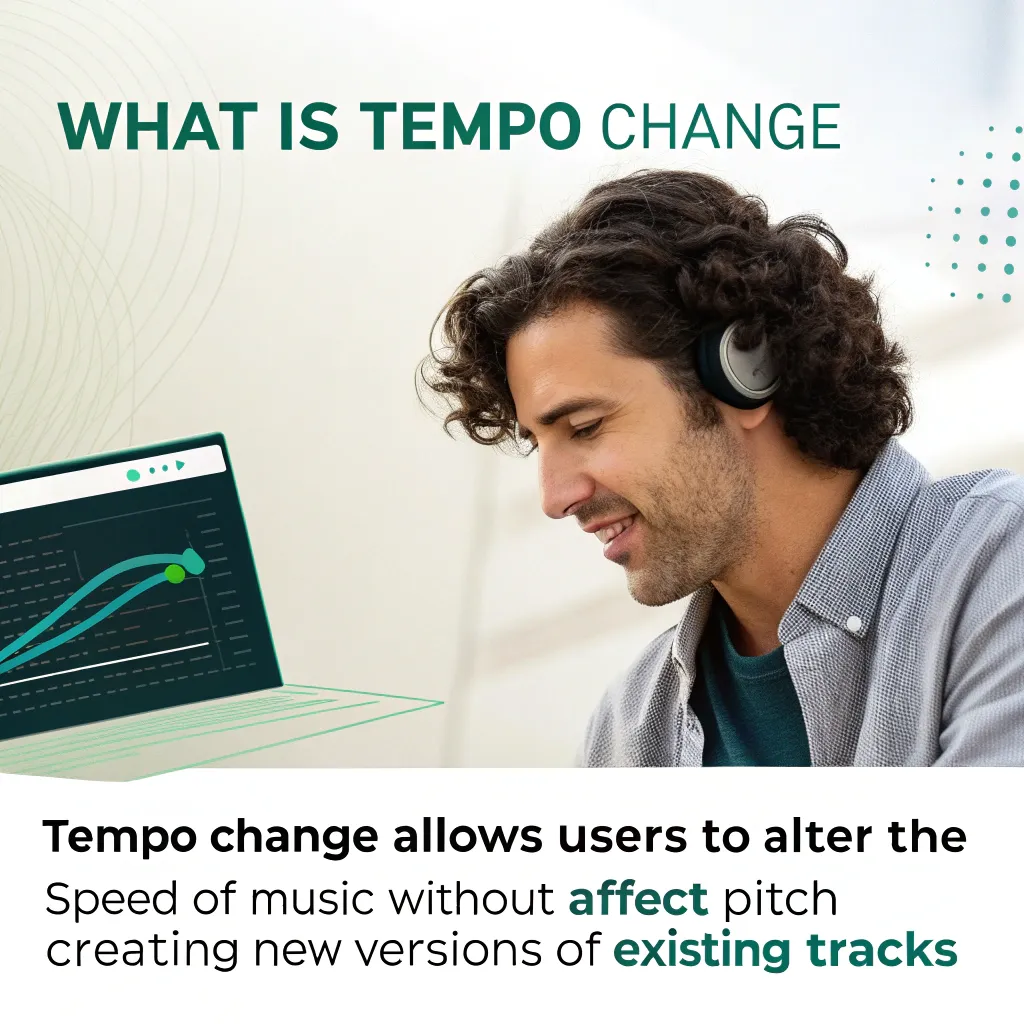
Tempo Change uses the Rubber Band Library to adjust speed while preserving musical pitch. Process the complete file, preview the result, and export uncompressed WAV audio.
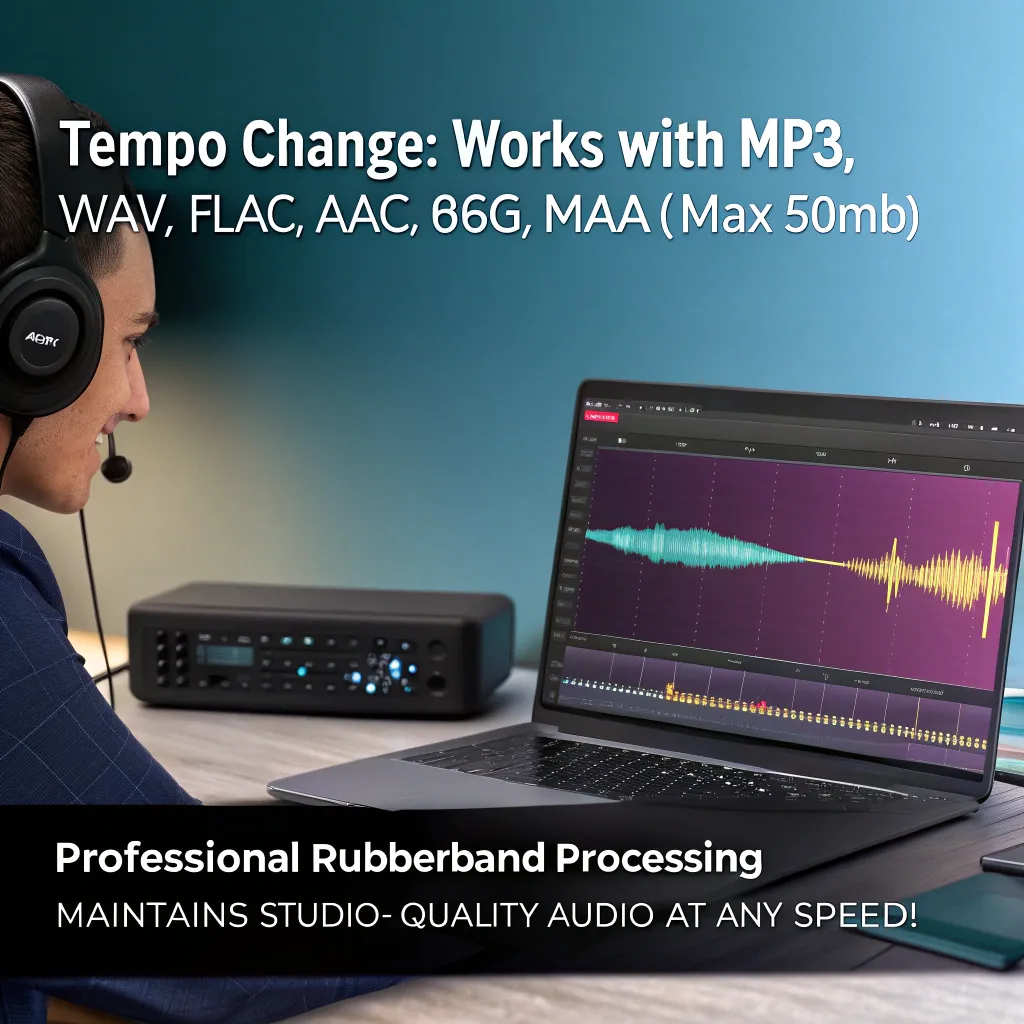
- Professional Rubberband ProcessingUses the Rubber Band Library for pitch-preserving time stretching. Extreme settings may introduce audible artifacts.
- Process and PreviewProcess the complete track once, then use playback, seeking, volume, and loop controls before exporting.
- Wide Speed Range & ExportUse a 0.5x to 2.0x speed range with precise controls, then export the processed preview as uncompressed WAV.
Why Choose Our Tempo Change Tool
A browser-based tempo tool with local processing, measured progress, manual playback, and uncompressed WAV export.
Common Audio Formats
Accepts MP3, WAV, FLAC, AAC, OGG, and M4A files up to 50 MB when the browser can decode the codec.
Preview After Processing
Play, pause, seek, change volume, or loop the processed result before downloading it.

Professional Rubberband Engine
Powered by the Rubber Band Library to preserve musical pitch while changing playback duration.
Completely Free & Fast
No registration required. Processing happens locally; time depends on track length, settings, and device performance.
Wide Speed Range & Presets
Adjust from 50% to 200% with presets, a slider, exact speed input, or target BPM input.
BPM Finder Blog
BPM Finder tips, tutorials, and guides for creators

BPM Finder Reviews: What Users & Media Are Saying About Us
Comprehensive collection of user reviews, testimonials, and media coverage of BPM Finder tools. Discover what DJs, producers, and music enthusiasts really think about tempo detection software.
Read More

Best Tunebat BPM Alternative 2026: 300-Track Benchmark Proves 67% Higher Accuracy
Looking for a Tunebat BPM alternative? We benchmarked BPM Finder against Tunebat and VocalRemover across 300+ sealed tracks. 67% win rate, 100% client-side, all browsers supported.
Read More

pdfzus: Privacy-First PDF Zusammenfügen for Music Creators
Discover pdfzus, a client-side PDF merging tool that protects your contracts, royalty statements, invoices, and other documents. Perfect for DJs, producers, and music professionals who value privacy.
Read More

120 BPM Songs: The Best Tempo for Every Scenario and Mood
Discover the best 120 BPM songs across all genres! From pop hits to electronic anthems, best for dancing, running, and productivity.
Read More

How to Find BPM of a Song: Producer-Grade Workflow and Tools
Master how to find BPM of a song with tap tempo, apps, DAWs, and advanced analysis techniques DJs and producers trust.
Read More

Running BPM Mastery: 2025 Heart Rate & Cadence Playbook
Master running bpm in 2025 with heart rate science, cadence tuning, and a 15-step action plan backed by lived experience, expert research, and pro tools.
Read More

How Many BPM is Normal? Complete Heart Rate Guide for All
Discover what BPM is normal for adults, children, and athletes. Learn age-specific heart rate ranges, when to worry, and how to measure accurately.
Read More

How to Calculate BPM: Guide to Heart Rate & Music Tempo (2025)
Learn how to calculate BPM for both heart rate and music tempo. Step-by-step methods, tools, and expert tips for accurate BPM measurement.
Read More

What Is Lossless Audio? Complete Guide in 2025
Discover what is lossless audio with our comprehensive guide. Learn about FLAC vs ALAC formats, streaming services, equipment requirements.
Read More
How to Use Tempo Change Tool
Upload, set an exact speed, process once, preview, and export:
Tempo Change Tool Features
Tempo adjustment controls for musicians, DJs, and audio creators.
Professional Rubberband Engine
Rubber Band time stretching preserves musical pitch; extreme settings can introduce artifacts.
Free & Fast
No registration required. Audio content is processed locally in your browser.
Wide Speed Range Control
Adjust tempo from 50% to 200% with precision slider and quick preset buttons (75%, 100%, 125%, 150%, 200%) for common use cases.
Multiple File Format Support
Accepts MP3, WAV, FLAC, AAC, OGG, and M4A files up to 50 MB, subject to browser codec support.
Preview and Playback
Preview the completed result with play, pause, stop, seek, volume, mute, and loop controls.
High-Quality WAV Export
Export the processed preview as an uncompressed 16-bit PCM WAV file without running time stretching again.
Tempo Change at a Glance
Pitch-preserving tempo processing with measured progress and uncompressed WAV export.
Processing
Local
Runs in Your Browser
Speed Range
0.5x-2x
Tempo Control
WAV Output
16-bit
Uncompressed PCM
Frequently Asked Questions About Tempo Change Tool
Have another question about our tempo change tool? Contact us via email or check our documentation.
How does the tempo change tool maintain professional audio quality?
The tool uses the Rubber Band Library for pitch-preserving time stretching. It processes the full track before preview, and extreme speed changes can introduce audible artifacts.
What audio formats does the tempo change tool support?
The file picker accepts MP3, WAV, FLAC, AAC, OGG, and M4A files up to 50 MiB. Actual decoding support depends on the browser codec implementation.
What is the speed range and how precise is the control?
The tempo change tool supports tempo changes from 50% (half speed) to 200% (double speed) with precise 0.01 step control. Quick preset buttons provide common tempo change ratios (75%, 100%, 125%, 150%, 200%) while the slider allows fine-tuned tempo change adjustments.
Can I preview the tempo changes before exporting?
Yes. After the complete track is processed, it will remain paused until you click Play. You can then pause, seek, adjust volume, mute, and loop the result before exporting.
How long does it take to process and export audio?
Processing time depends on track length, speed, and device performance. The page reports measured study, stretching, and WAV encoding progress instead of promising a fixed time.
Is my audio data safe and private?
Audio content is decoded and processed locally in the browser. The pinned WebAssembly processing engine is loaded from the same bpm-finder.net origin.
What export format and quality does the tool provide?
The tool exports uncompressed 16-bit PCM WAV at the decoded audio sample rate. WAV files are usually much larger than compressed source files such as MP3 or M4A.
Can the tool handle different music genres and audio types?
The Rubber Band engine supports music and speech, but results vary with the material and the selected speed. Extreme changes can produce audible artifacts.
Do I need to install any software or create an account?
No installation or account is required. The tool uses WebAssembly, Web Workers, and Web Audio APIs available in current browsers.
Start Using Our Professional Tempo Change Tool Today
Adjust tempo locally in your browser, preview the processed result, and export an uncompressed WAV file.